Go from a flat product photo to a professional model shot in under 60 seconds. This guide walks you through every option — model customization, scenes, lighting, and output — so you can create the exact look your brand needs.
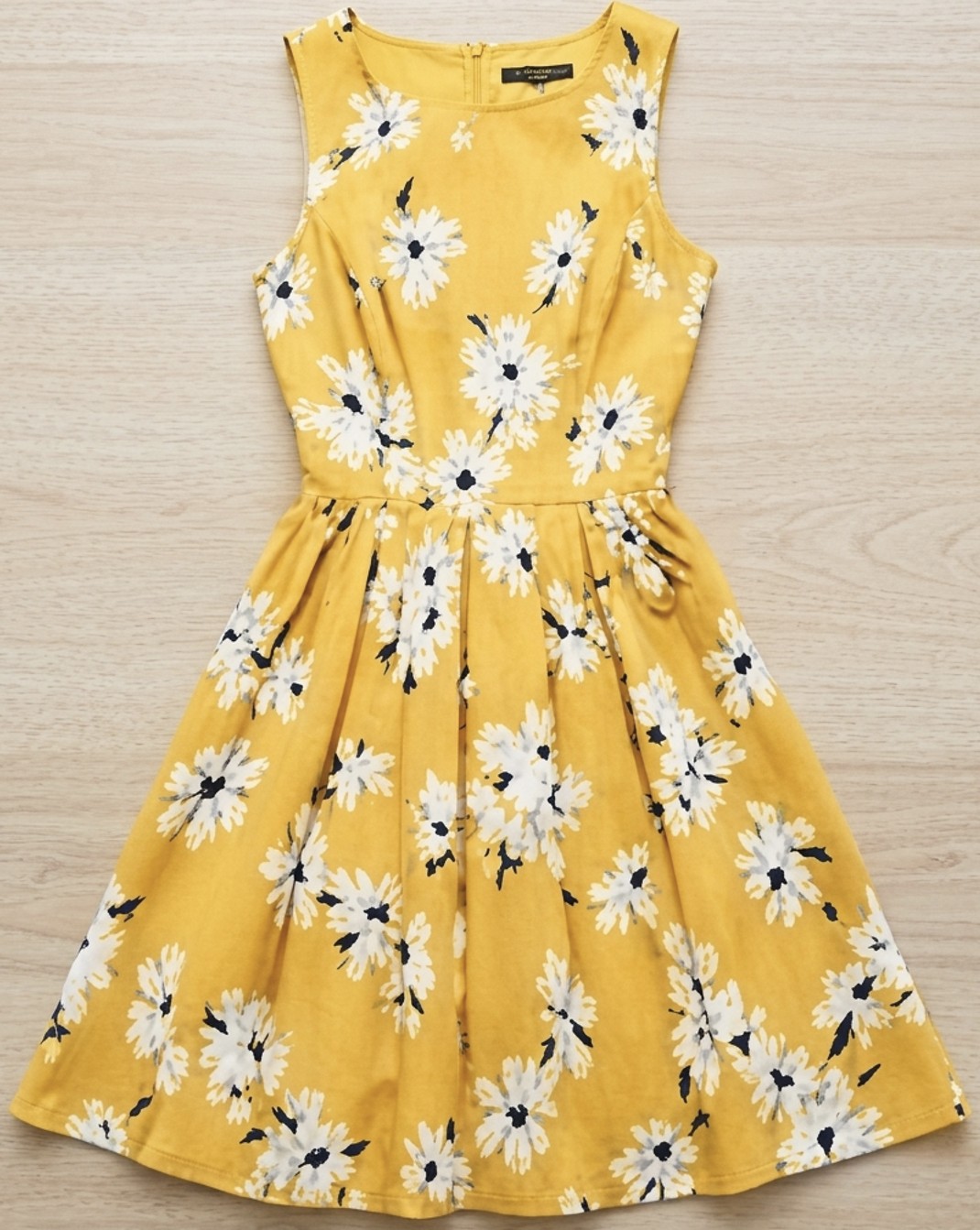
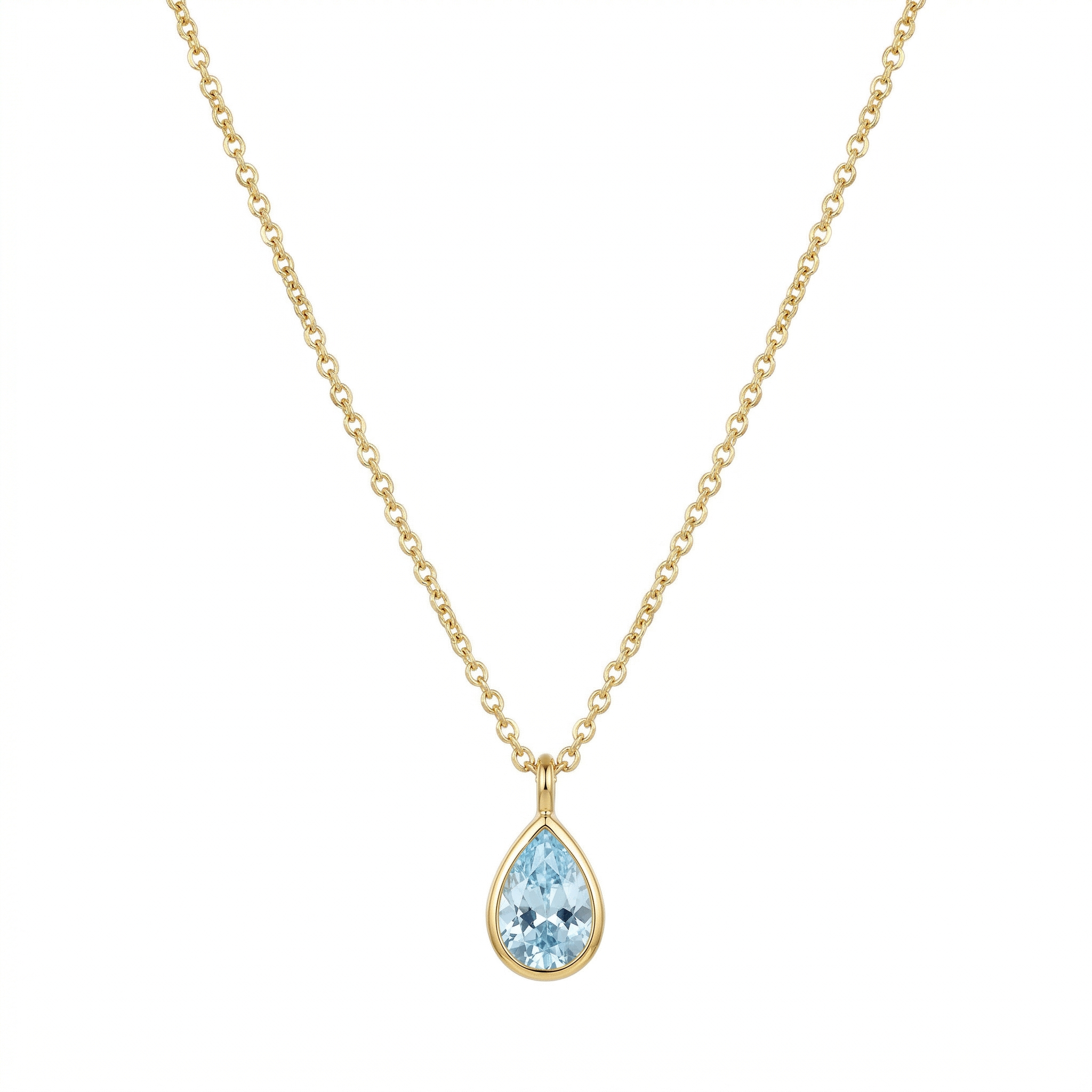
Take a photo with your phone or use an existing image from your store. The AI analyzes the product's color, texture, shape, and category automatically — no background removal or editing needed beforehand.
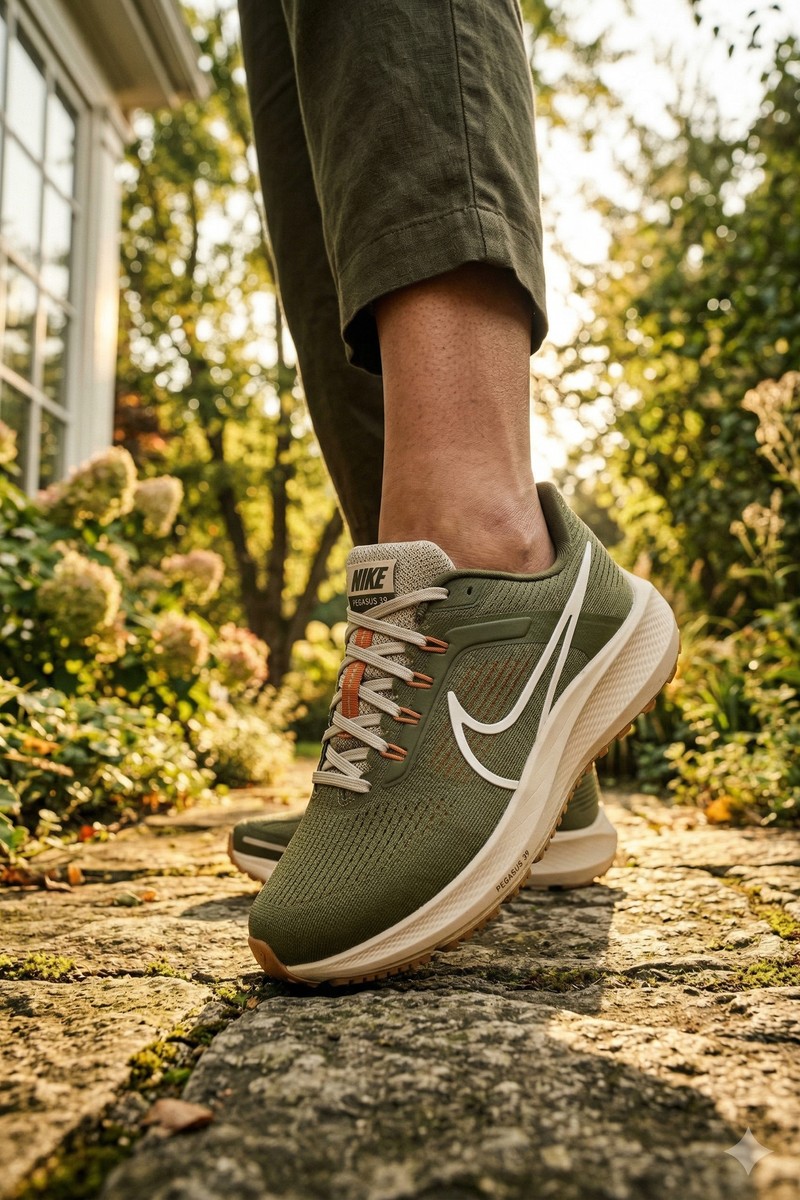
Works with any fashion product: clothing, jewelry, footwear, bags, and accessories. You can upload multiple products and organize them in your catalog for quick access.
Dresses, tops, jackets, pants, skirts
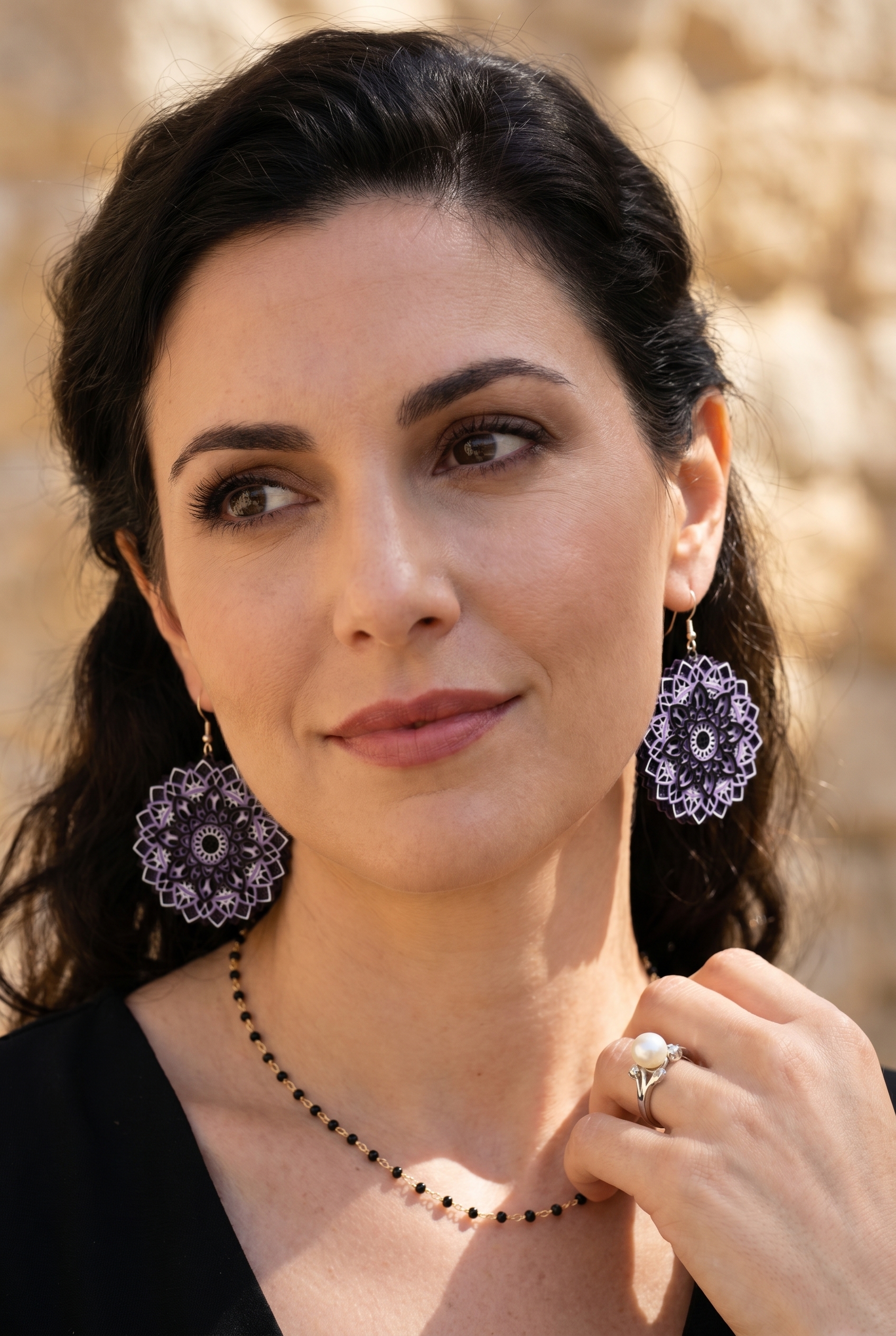
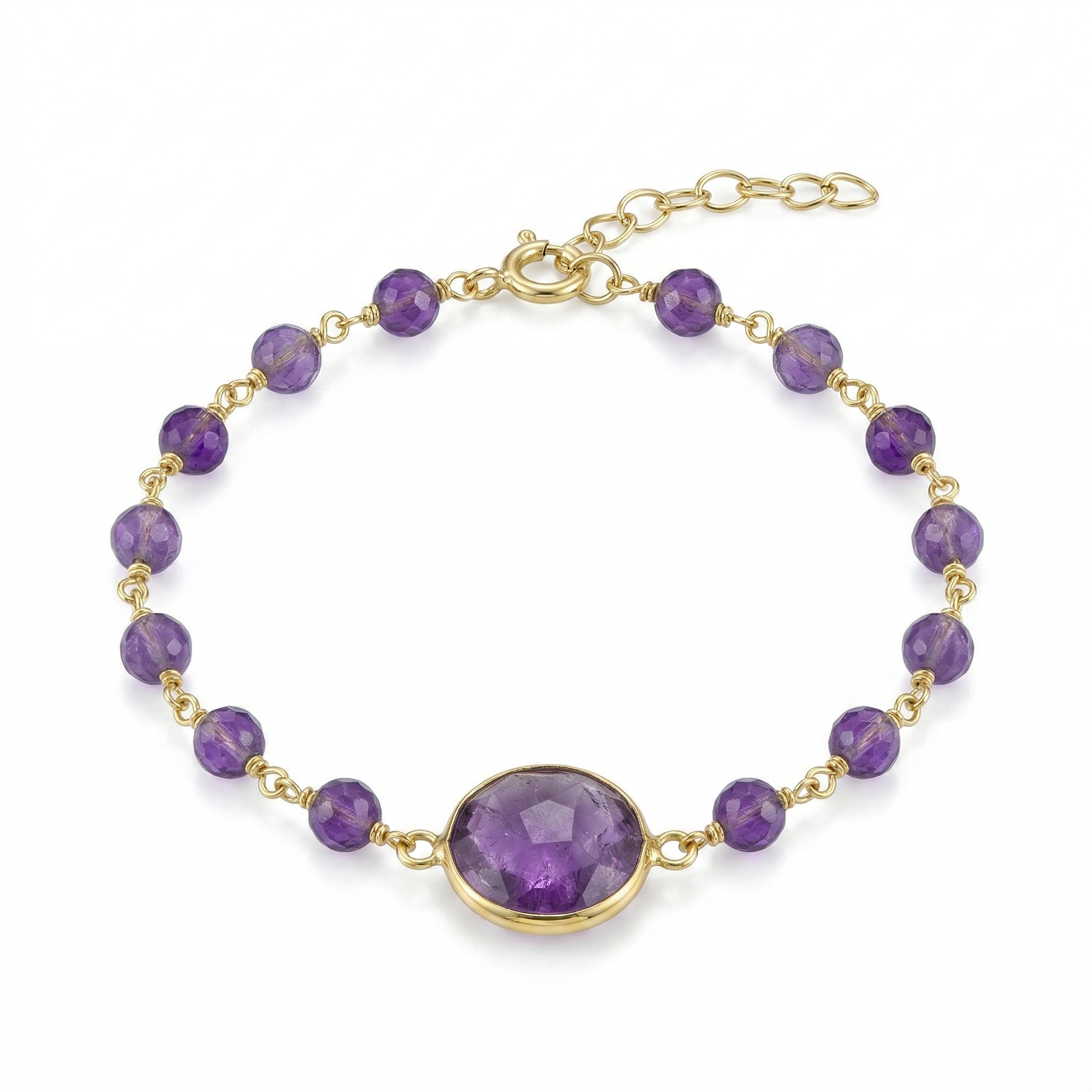
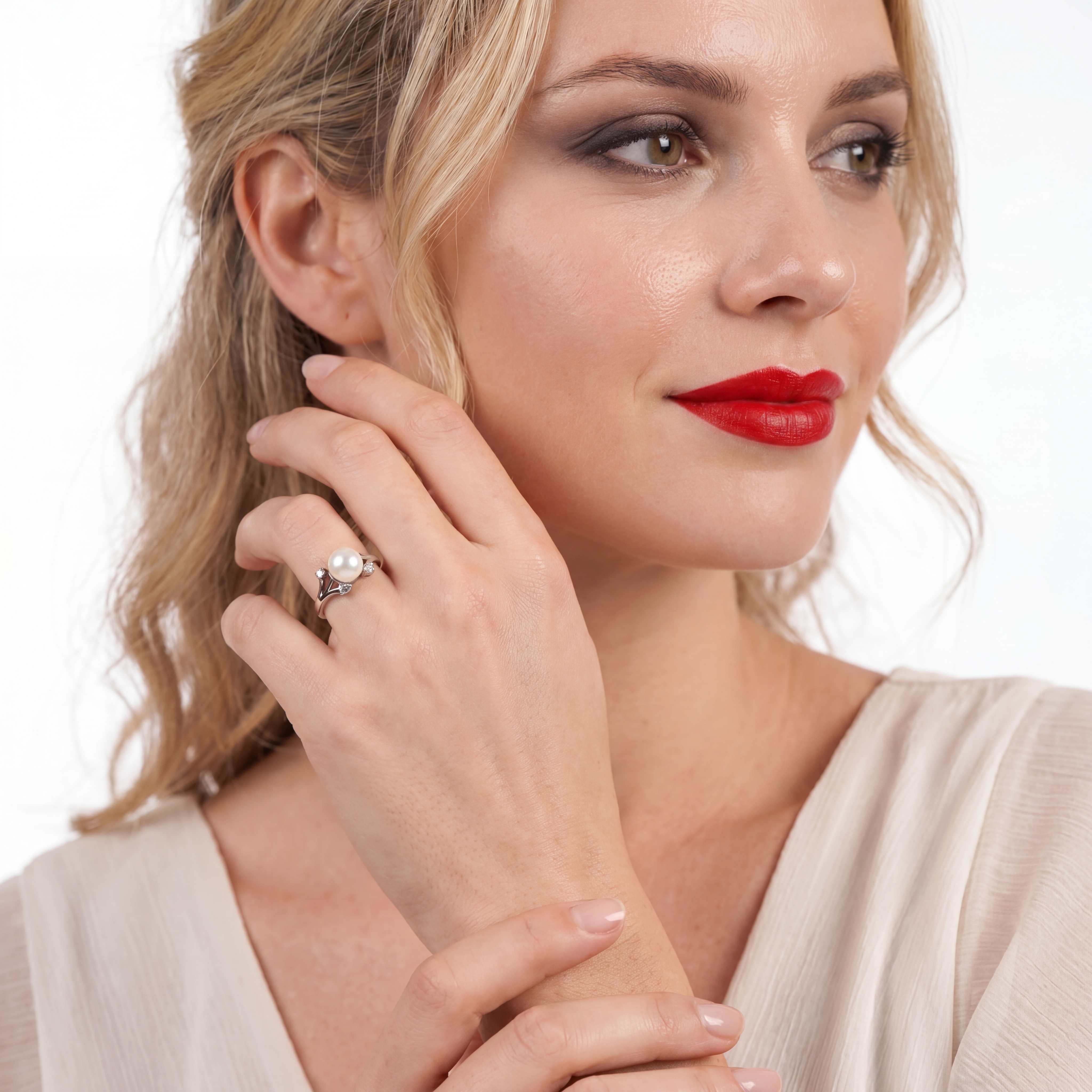
Necklaces, earrings, rings, bracelets
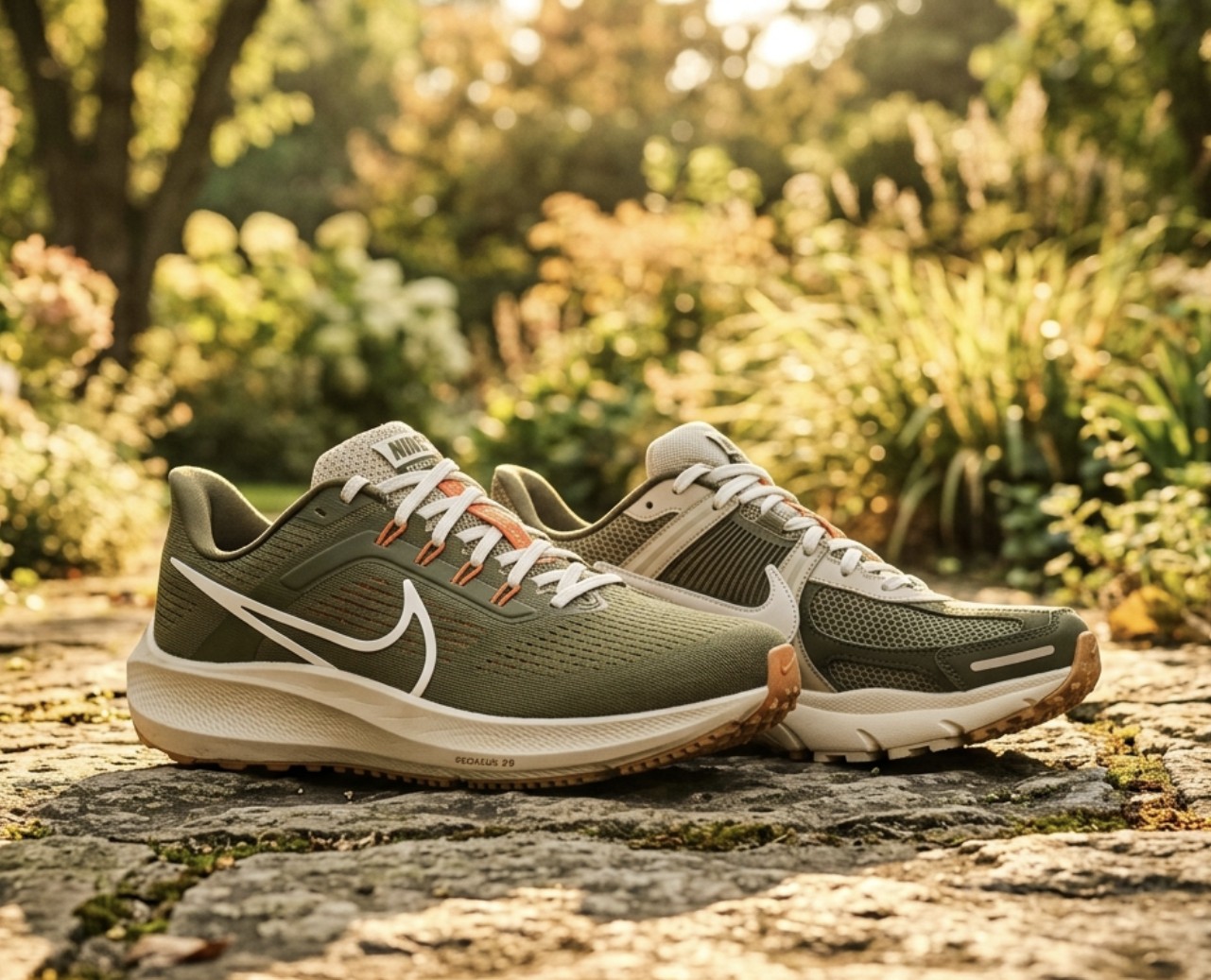
Sneakers, heels, boots, sandals
Handbags, sunglasses, watches, scarves
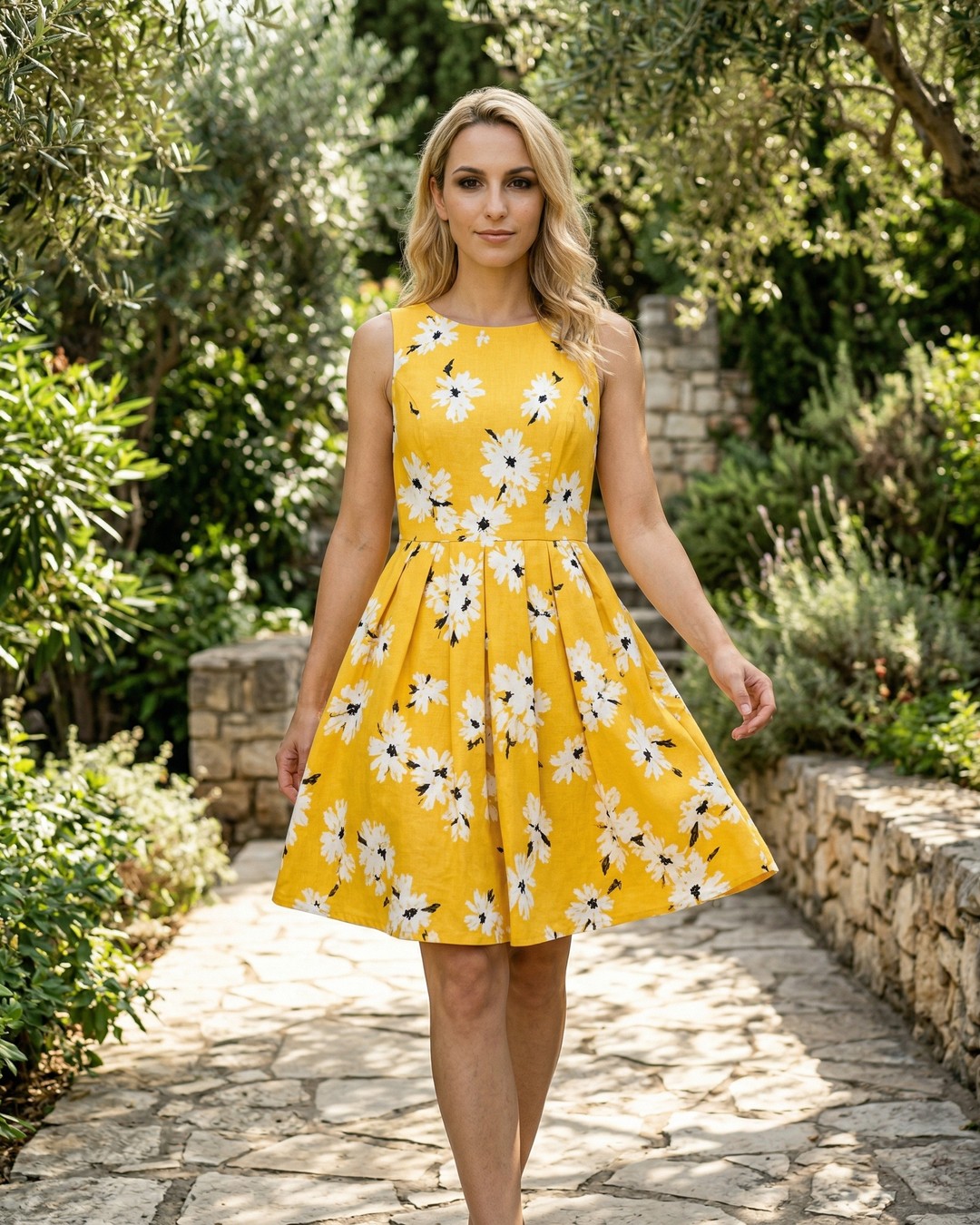
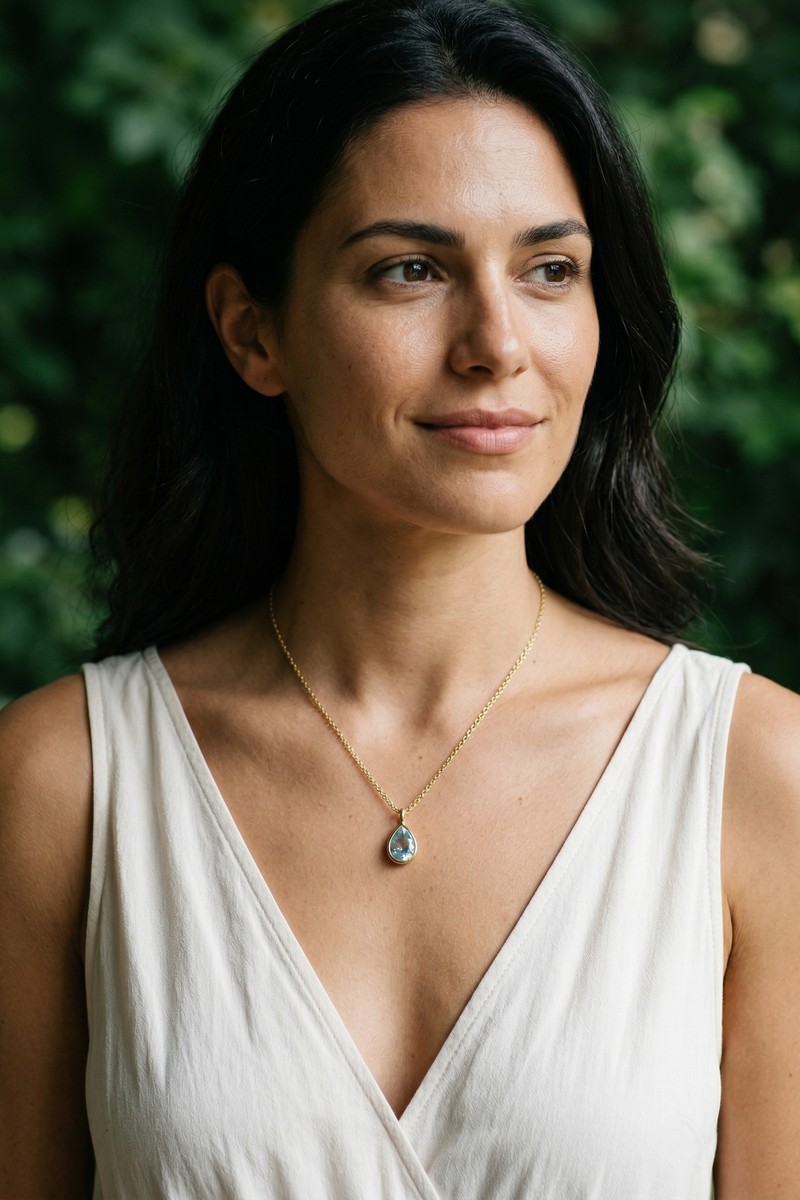
Choose every aspect of your model's appearance to match your brand's target audience. FashionForge gives you more customization than any traditional photoshoot — and you can change everything with a single click.
Need consistent branding? Save your model as a reusable preset. Every future product photo can feature the same "face" without booking a real model.
Choose where and how your product is photographed. Every combination of scene, lighting, shot type, and pose creates a completely different mood — from clean studio catalog shots to cinematic golden-hour editorials.
Scenes
Lighting
Shot type
Hit Generate. Your AI model photo is ready in under 60 seconds. Download it in up to 4K resolution across many aspect ratios — square for Instagram, portrait for Shopify, wide for banners.
Not perfect? Use the Tweak tool to adjust the pose, swap lighting, change the scene, or shift the outfit color — all without starting over. Each refinement costs just one credit.
Every image comes with full commercial rights. Use it on your website, Shopify, Etsy, Amazon, social media, print, and ads. No model releases needed.
You upload a photo of your product (clothing, jewelry, accessories, footwear). FashionForge AI analyzes it and generates a photorealistic image of a model wearing or displaying your product. You control the model's appearance, the scene, lighting, camera angle, pose, and style. The entire process takes under 60 seconds.
Yes. Every image you generate comes with full commercial rights. Use them on your Shopify store, Etsy listings, Amazon, your own website, social media, ads, or print catalogs. No model releases or licensing fees needed.
Clothing (dresses, tops, pants, jackets, activewear), jewelry (necklaces with precise length control, earrings, rings, bracelets, nose rings), footwear (sneakers, heels, boots, sandals), bags (handbags, backpacks, clutches, totes), and accessories (sunglasses, watches, scarves, hats).
Choose gender, ethnicity (20+ options with regional variations like Mediterranean, Nordic, East African, Korean), age range (20-55), body type (slim, athletic, average, plus-size), skin tone, hair style, hair color, eye color, facial features, expression, and makeup level. You can save custom models and reuse them across all your products.
Background removal tools only swap the background behind your existing product photo. FashionForge generates an entirely new image — a photorealistic human model wearing your product in a scene with professional lighting. It's the difference between swapping a backdrop and creating a full fashion photoshoot.
Yes. The free plan includes 10 AI generations and 3 product uploads with no credit card required. You get access to all model, scene, and lighting options. Paid plans start at €19/month.
Follow the 4 steps above with your own product. Upload, customize, generate, download — all in under a minute.
Start Creating Free10 free generations. No credit card required.