Before
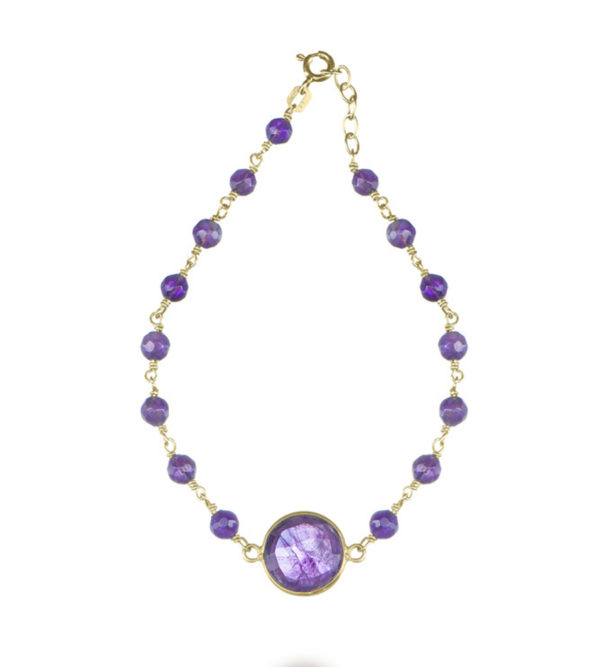
After retouching
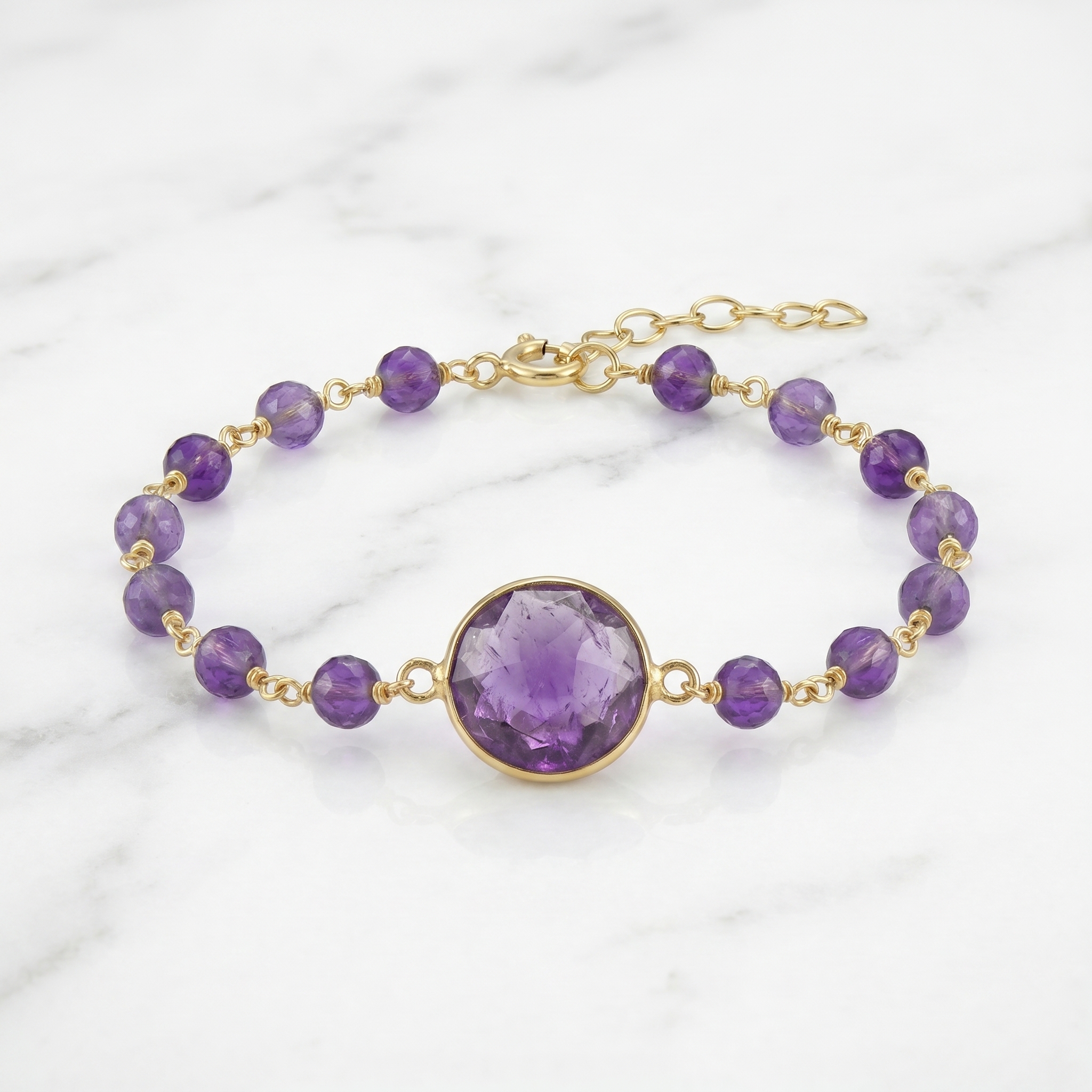
Same product. Same colors. Completely different impact.
Transform any product photo into an e-commerce-ready image in seconds. 16 surfaces, 16 display stands (necklace bust, ring riser, hanger), 25+ lifestyle scenes, and studio-grade lighting — all with AI. Your product never floats. No design skills required.
Same product. Same colors. Completely different impact.
Change a single setting — scene, lighting, surface — and get a completely different look. Here's the same product retouched five ways.
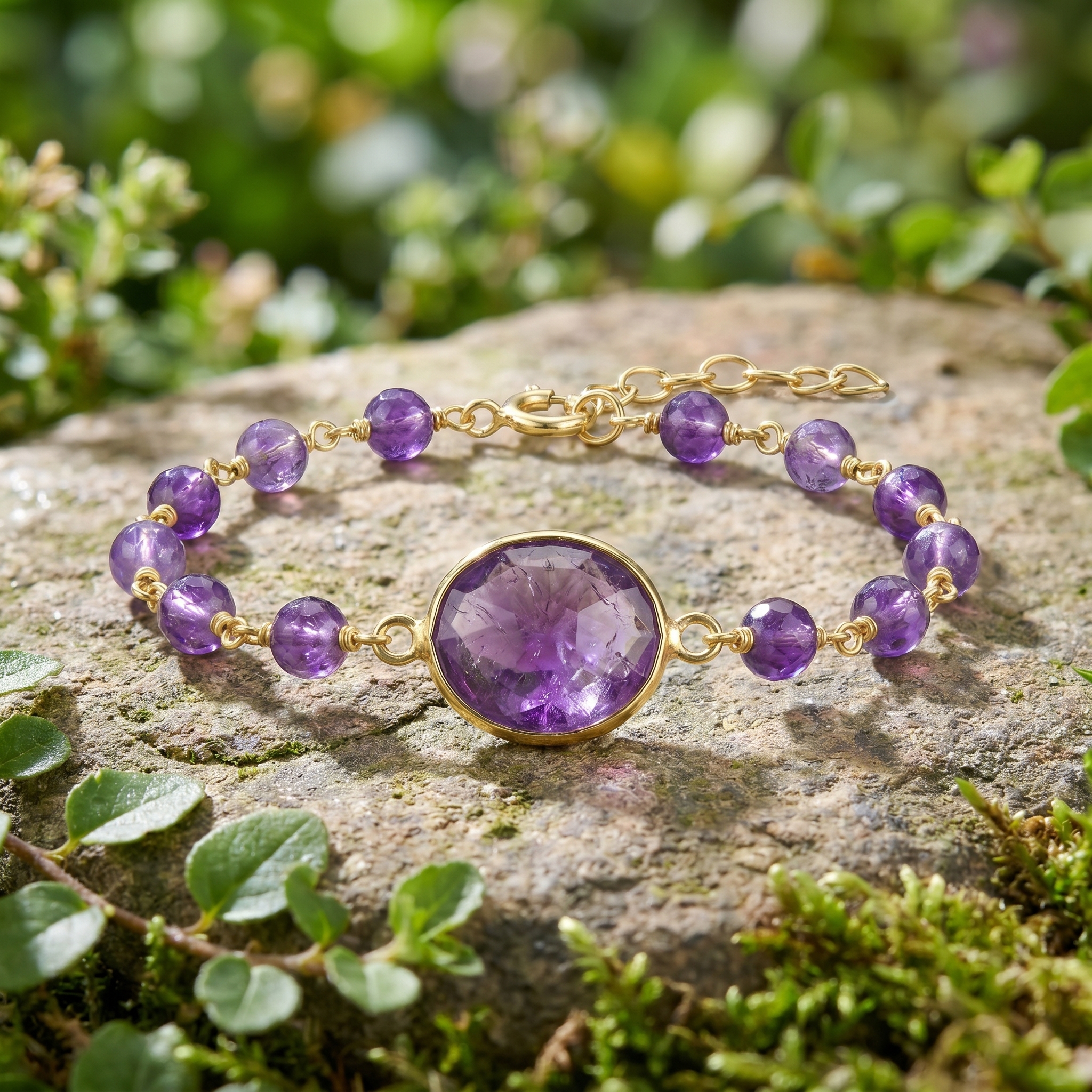
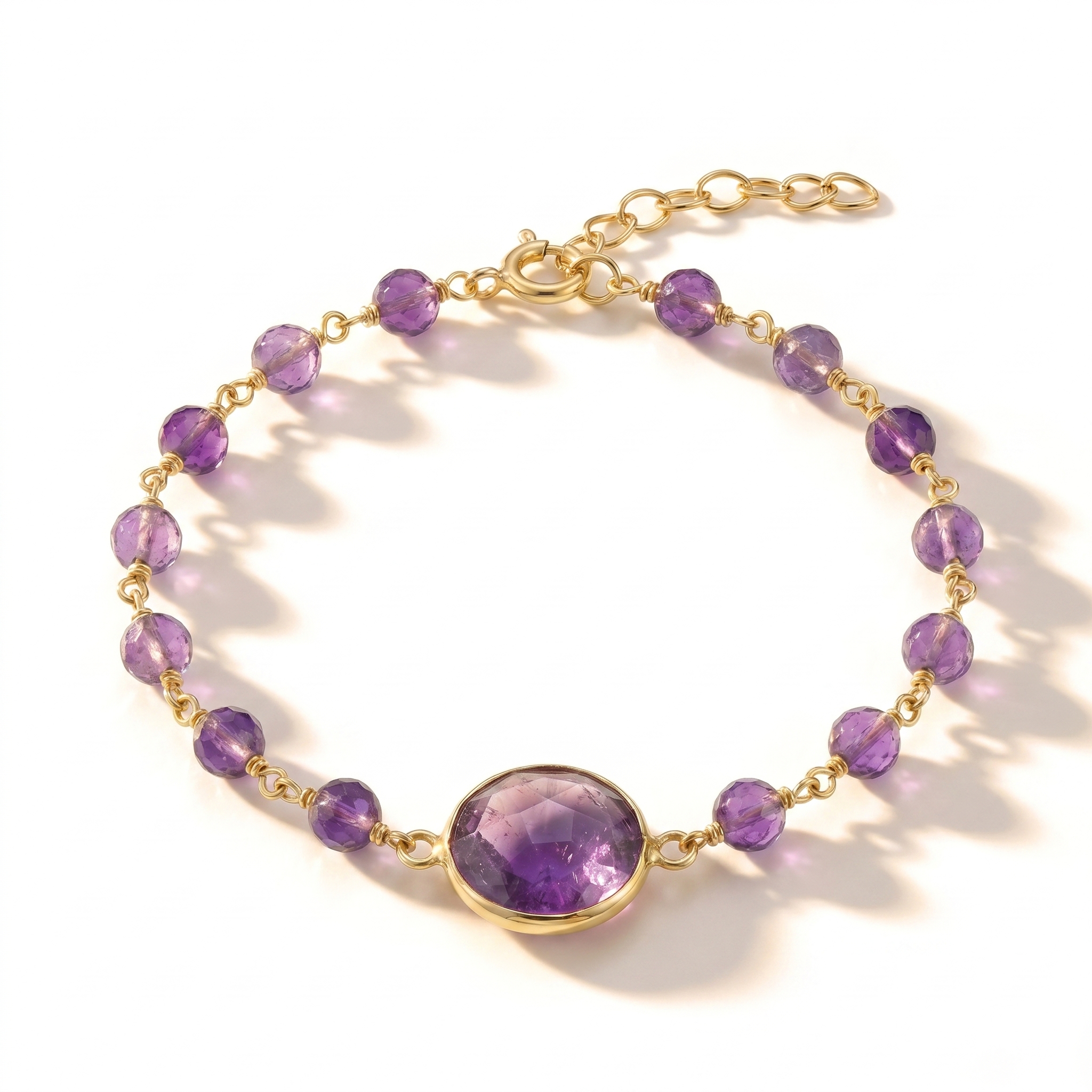
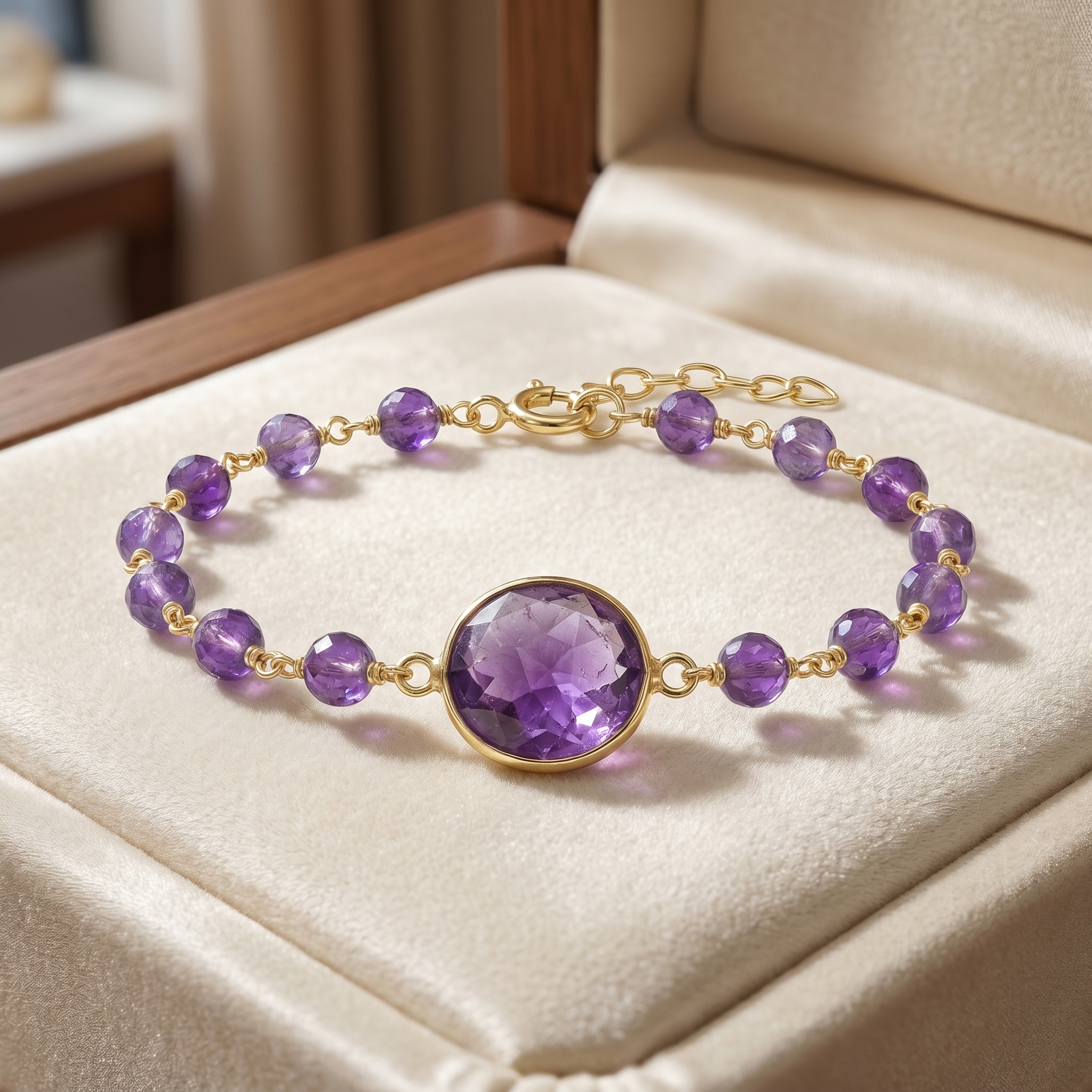
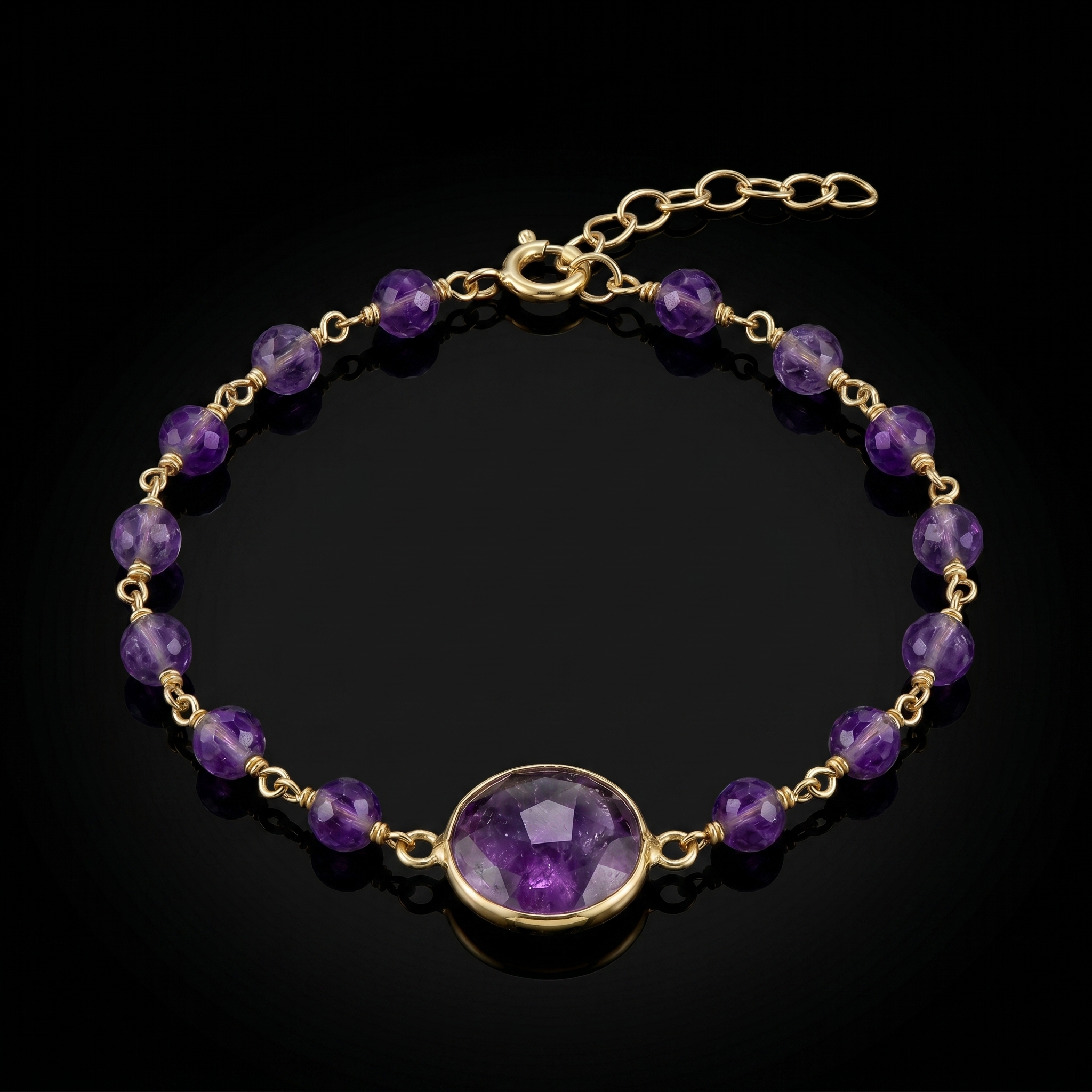
Product retouching works like stacking layers — each setting adds a new dimension to your photo. The AI combines them into a single, cohesive, professional result.
Start with a clean base — pure white for Amazon/Etsy requirements, black for luxury, or soft gradients.
Choose the surface your product rests on — marble for luxury, wood for rustic, velvet for jewelry, concrete for editorial, silk for softness.
Put your product on an explicit stand so it never floats mid-air — necklace bust, ring riser, earring stand, hanger, mannequin, and more.
Place your product in a complete lifestyle scene with built-in environment and lighting — combine with a surface and display for full control.
Set the mood with lighting, then fine-tune with shadows, reflections, and depth effects.
Every scene includes realistic environment lighting, textures, and atmosphere. Your product fits naturally — not pasted on top.
Spotlit, high-end surroundings
Rustic table, warm bistro light
Lush green, natural sunlight
Scandinavian, warm natural light
Marble countertop, bright windows
Marble, chrome, steamy atmosphere
Golden hour, grapevines, amber light
Tropical plants, glass ceiling, humid
Wood paneling, fireplace glow
Candles, bamboo, river stones
Crisp bedding, brass fixtures
Dark wood, amber backlighting
Hollywood mirror, gold trims
Turquoise water, tropical palms
Flour-dusted counters, exposed brick
Dried flowers, vintage ceramics
Plus: Flat Lay, Walk-in Closet, Japandi, Lakeside Dock, Urban Rooftop, Nursery, Modern Office, Dining Room, Cozy Bedroom, Rustic Kitchen
Layer enhancements on top of your background, surface, and lighting for pixel-perfect results.
Grounds the product naturally
Glowing edge outline, 3D form
Shallow DOF, product sharp
Subtle reflection beneath product
Crisp edges, maximum detail
True-to-life accurate colors
Background removal tools give you a cutout on white. FashionForge AI retouching gives you a complete product photography setup — 16 surfaces with real texture, 16 explicit display stands (so nothing floats), 25+ scenes with environmental lighting, shadows that match the light source, and reflections that ground the product.
The AI understands your product category. Jewelry gets enhanced metallic sheen and gemstone sparkle. Every product gets accurate color preservation — your product stays exactly as it is.
Cut out + white background. No lighting, no shadows, no surfaces. Looks flat.
Complete scene, matched lighting, realistic surfaces, shadows, reflections. Looks shot in a studio.
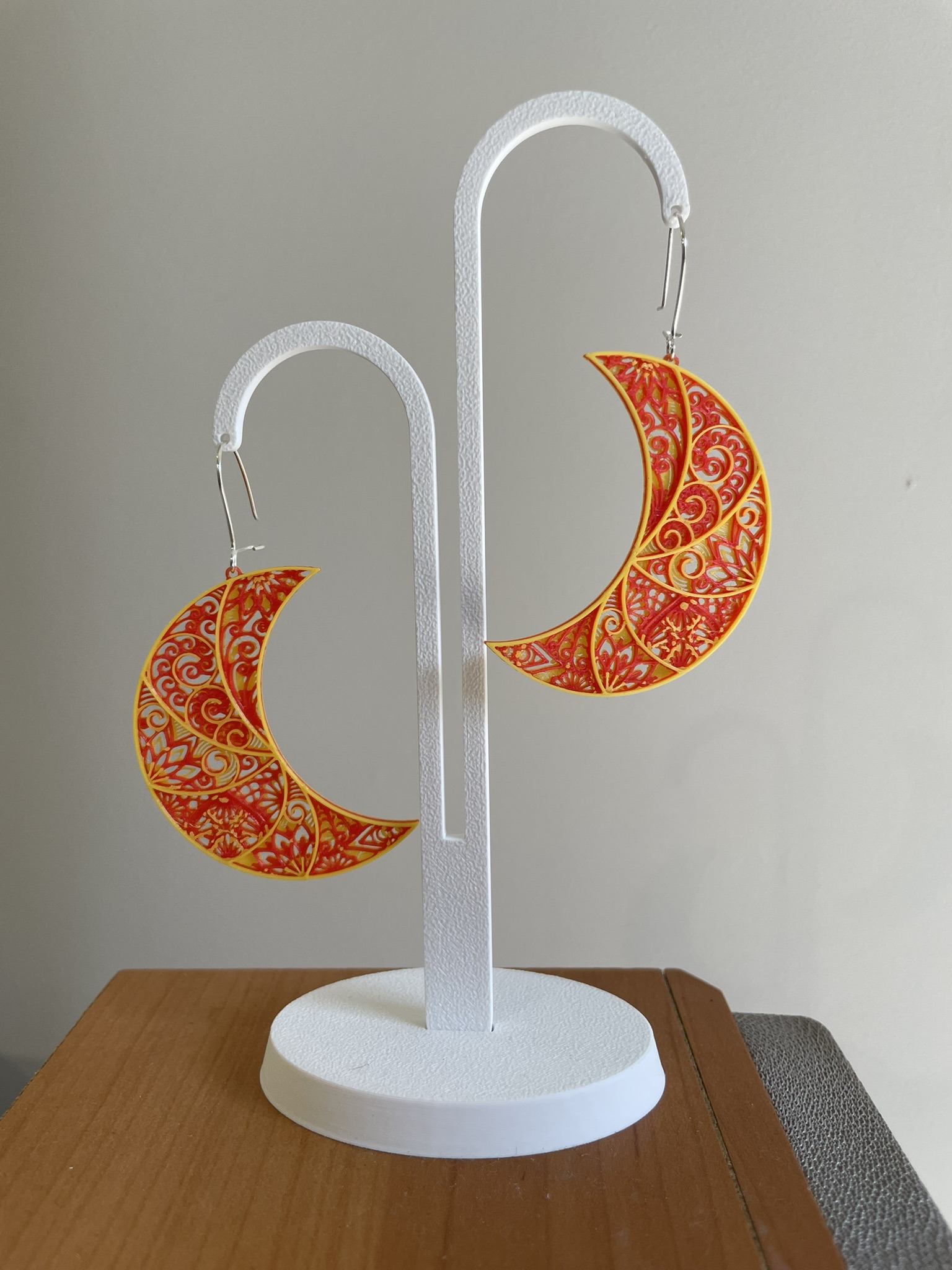
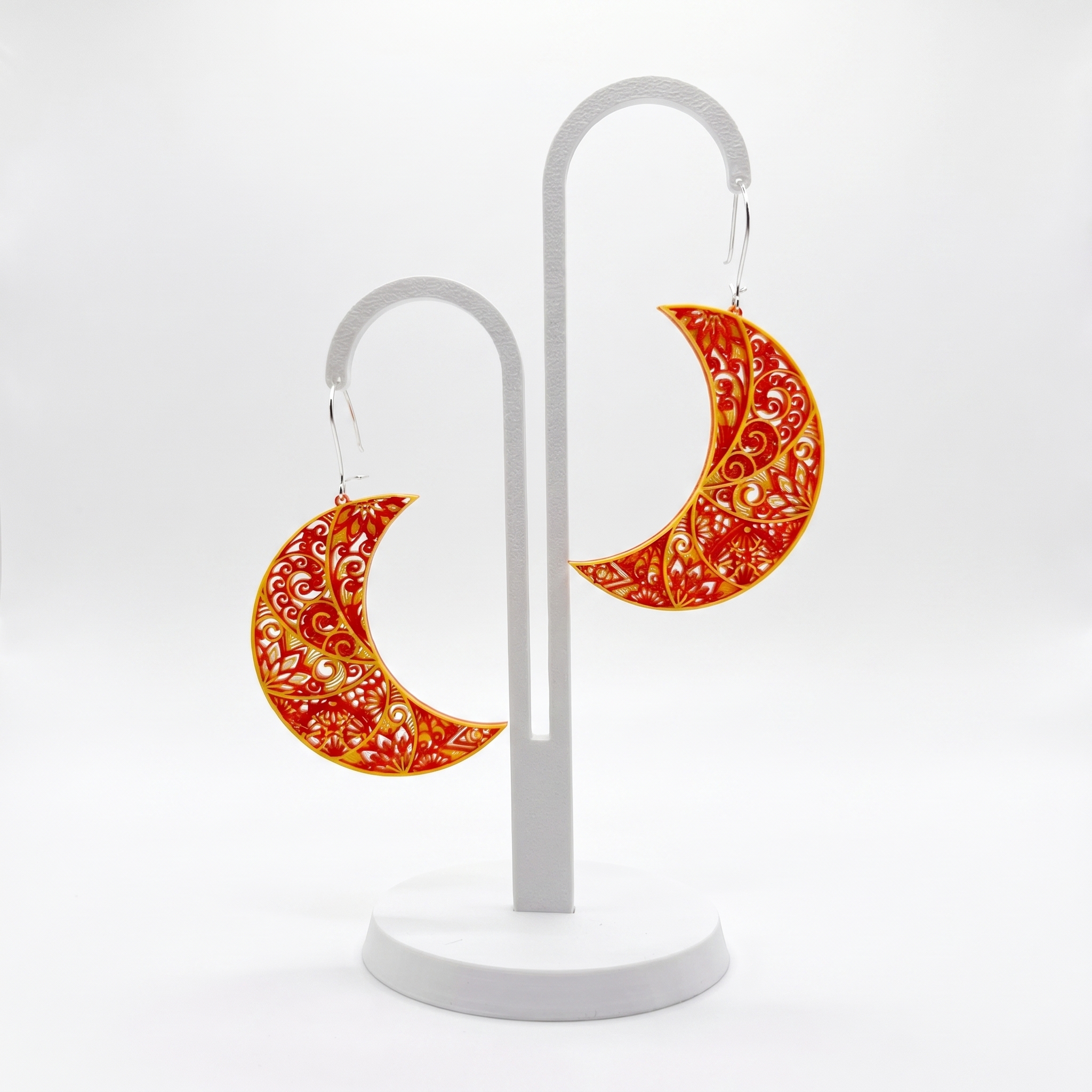
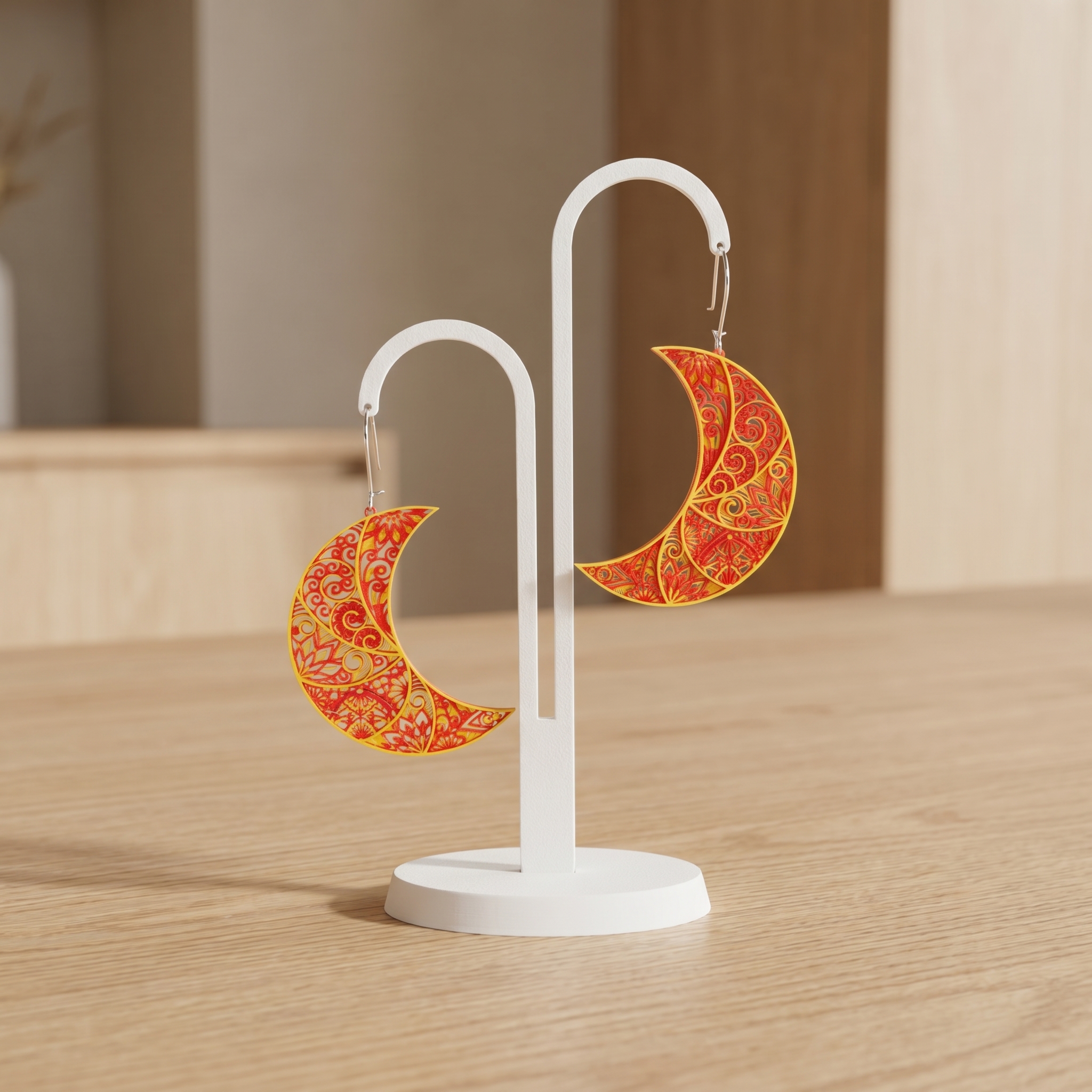
Delicate details, natural lighting — preserved and enhanced.
Upload your product photo — phone camera, flat lay, or existing listing image. Any quality works.
Pick a background, surface, display stand, and/or scene — all combine freely. Then set lighting and camera angle.
Add contact shadows, reflections, depth blur, sharpening, or color correction. Stack as many as you want.
Your retouched photo is ready in under 60 seconds. Download in up to 4K with full commercial rights.
AI product photo retouching uses artificial intelligence to transform raw product photos into professional e-commerce images. It can swap backgrounds, add realistic surfaces (marble, wood, velvet), place products in lifestyle scenes, adjust lighting, and add enhancements like shadows and reflections — all automatically in under 60 seconds.
Background removal tools just cut out the background. FashionForge AI retouching replaces it with a complete scene — realistic surfaces, lifestyle environments, matched lighting, shadows, and reflections. The result looks like a real product photoshoot, not a cutout on white.
No. The AI preserves your product exactly as-is — same shape, colors, proportions, and design. It only improves the surroundings: background, surface, lighting, and staging.
Any physical product: clothing, jewelry (with enhanced metallic rendering), footwear, bags, accessories, cosmetics, food items, electronics, home goods. If you can photograph it, the AI can retouch it.
25+ lifestyle scenes, 16 surfaces (marble, wood, velvet, silk, concrete, suede, leather, slate, linen, paper, sand, ceramic tile, glass), and 16 display stands (necklace bust, ring riser, earring stand, bracelet roll, watch stand, hanger, torso mannequin, shoe riser, bag stand, bottle pedestal, and more). Surfaces, stands, and scenes all combine freely.
Pick a Surface (like marble or wood) or a Display stand (like a necklace bust or ring riser) — both explicitly ground the product with a realistic contact shadow. If you leave both on "None", the AI still adds a soft grounding shadow so the product rests naturally on whichever background or scene you chose, never levitating.
Yes. The free plan includes 10 retouching credits and 3 product uploads with no credit card required. All scenes, surfaces, display stands, lighting styles, and enhancements are available on every plan.
Upload a product photo. Pick a scene. Download a professional shot. No Photoshop. No retoucher. No waiting.
Start Retouching Free10 free retouching credits. No credit card required.