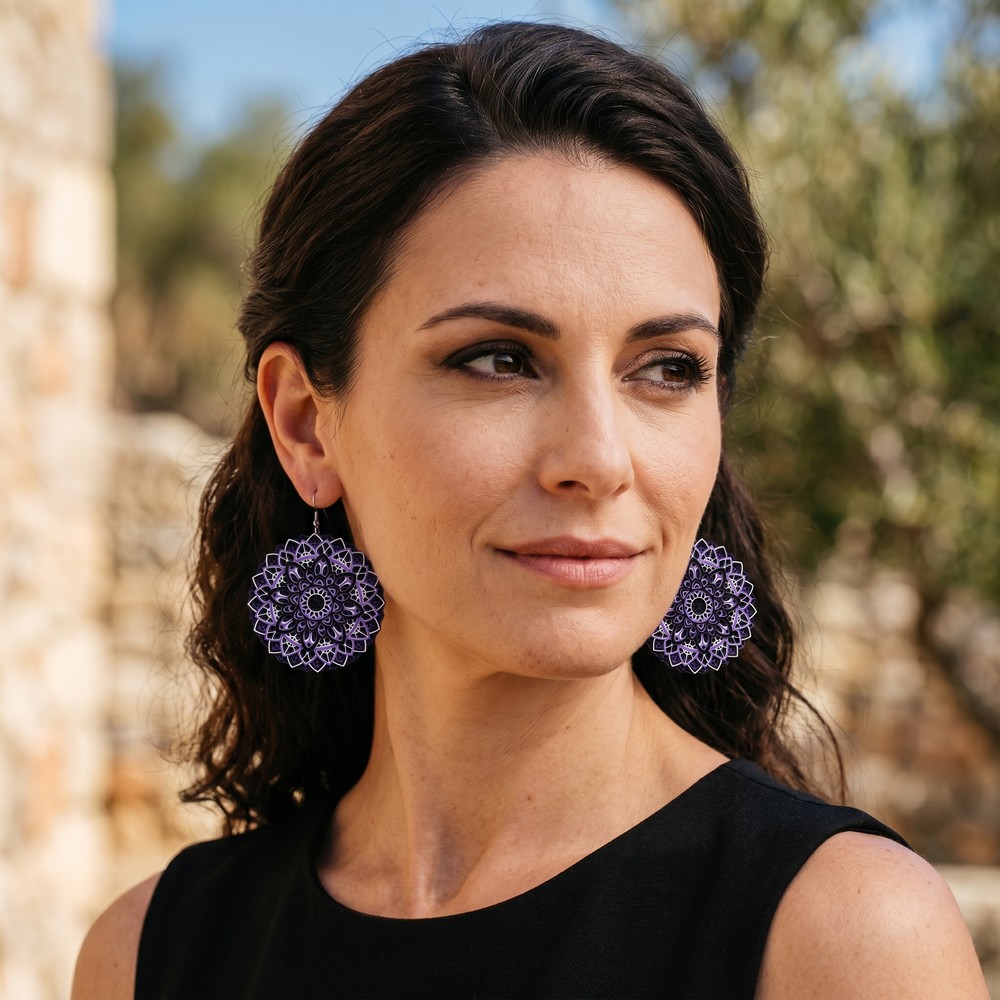
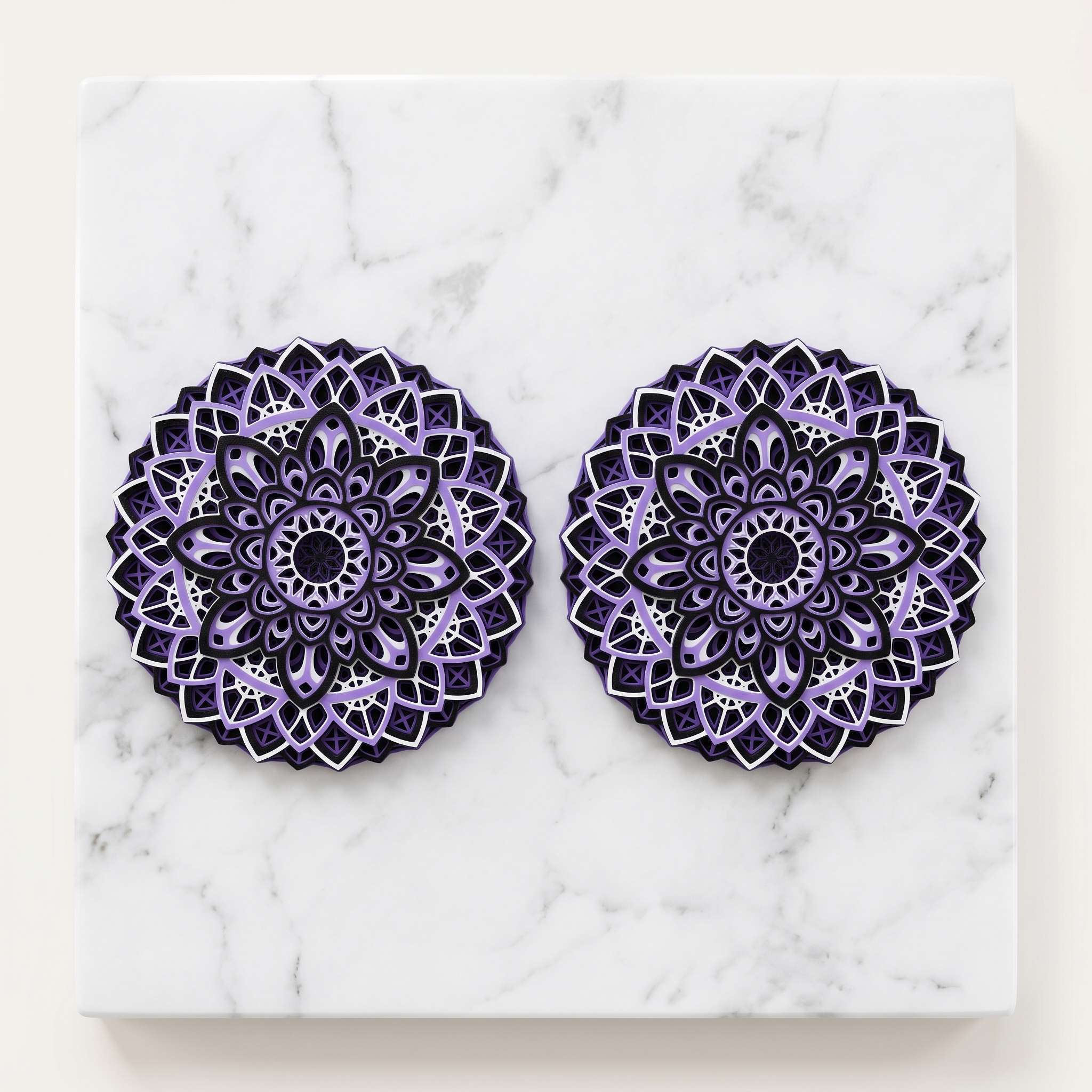
Natural outdoor lighting
Intricate mandala detail
Drag the slider to compare
Upload your necklace, earrings, ring, or bracelet. FashionForge AI places it on a photorealistic model with precise sizing, accurate metal rendering, and professional lighting — in under 60 seconds. Built for Etsy, Shopify, and independent jewelry brands.
Drag the slider to compare
Each jewelry subcategory gets specialized AI treatment — automatic shot framing, placement precision, and size calibration.
7 length presets from collar to lariat, cm input, precise body positioning
Auto: Chest-up shotSize calibration, type styles, hair auto-swept to reveal ears
Auto: Face close-upFinger placement, hand-detail macro, gemstone refraction rendering
Auto: Hand detailWrist positioning, cm-to-fit conversion (bangle to loose), clasp detail
Auto: Hand detailNostril placement, accurate scale, face close-up framing
Auto: Face close-upChoose a preset or enter exact centimeters. The AI converts your measurement to precise body positioning — no guessing where a 50cm chain falls.
See how FashionForge transforms a simple product shot into a styled, on-model jewelry photo.
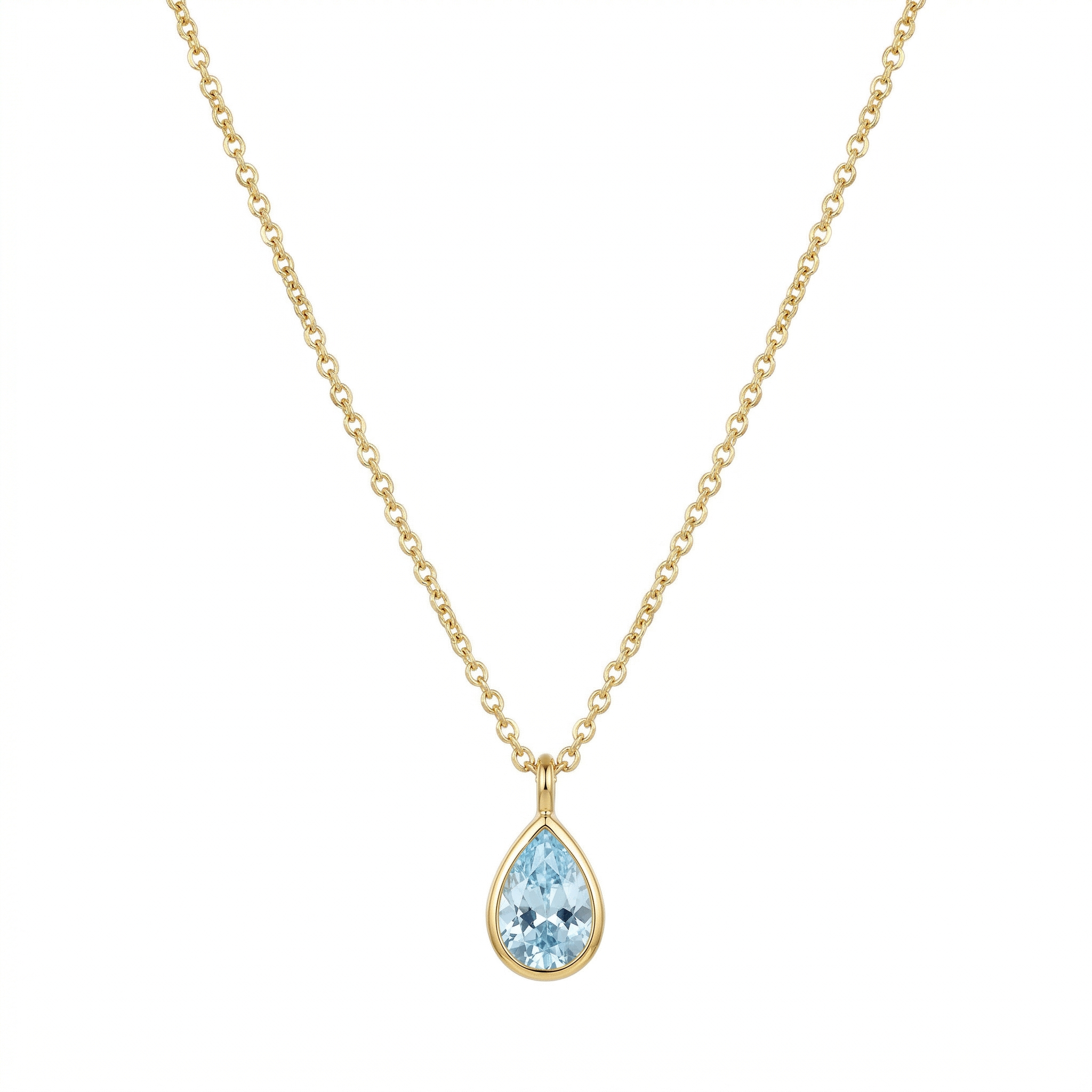
Flat lay, phone camera, no styling
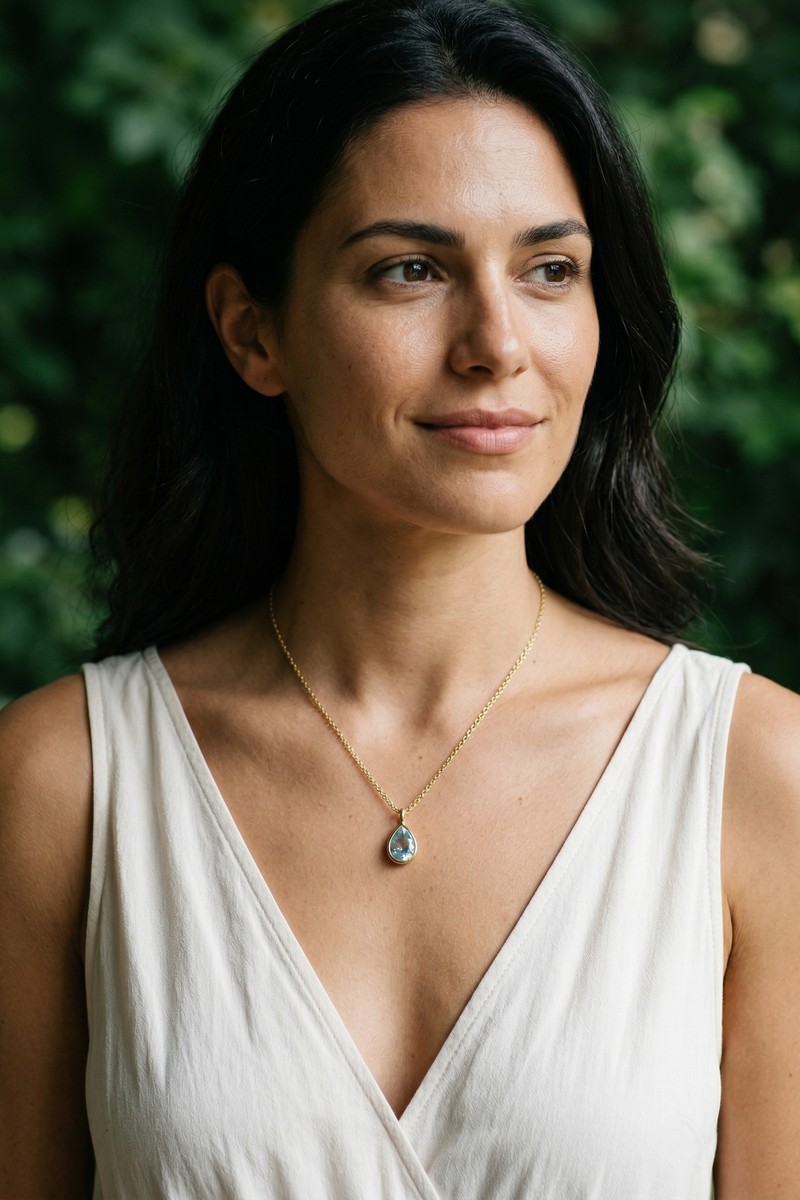
Hand detail shot, studio lighting, 48 seconds
On close-up shots, the jewelry becomes the star of the image. Every facet, metal texture, and gemstone is rendered with maximum sharpness — the model softens into supporting context.
The AI auto-selects the optimal camera framing for each piece type: face close-up for earrings, chest-up for necklaces, hand-detail macro for rings and bracelets. Override anytime.
Realistic metal luster, clean reflections, and gemstone refraction. The AI understands how gold, silver, and precious stones interact with light in different environments.
Earring shots automatically sweep hair back to reveal both ears. Necklace shots open the neckline and hide the clasp behind the neck — details that trip up generic AI tools.
Enter exact centimeters for any piece. The AI converts raw measurements to body-relative descriptions: a 4cm earring "hangs just below the earlobe", a 19cm bracelet "drapes comfortably around the wrist".
Already generated a model photo you love? Layer additional jewelry onto it — add earrings to a necklace shot, or a bracelet to a ring photo — without regenerating from scratch.
Upload your jewelry photo. The AI detects the subcategory (necklace, earring, ring, bracelet, nose ring) and adjusts settings automatically.
Set necklace length (collar to lariat), earring size, or enter exact cm. The AI maps measurements to where the piece sits on the body.
Pick your model, scene, and lighting. The AI auto-selects the best shot type for your piece — override it if you want a different framing.
Your on-model jewelry photo is ready in under 60 seconds. Download up to 4K resolution with full commercial rights for your store.
Upload your jewelry photo to FashionForge AI. The AI generates a photorealistic model wearing your piece with accurate sizing and positioning. Choose the model's appearance, scene, and lighting. Results in 60 seconds, 10 free credits with no credit card.
Yes. FashionForge offers 7 necklace length presets (collar 35cm, choker 40cm, princess 45cm, matinee 50cm, opera 60cm, rope 80cm, lariat 91cm+) or exact cm input. The AI maps the measurement to precise body positioning — a 45cm princess falls just below the collarbone, a 60cm opera drapes to the bust line.
FashionForge auto-selects the optimal framing: face close-up for earrings and nose rings (hair swept back, ears visible), chest-up for necklaces (neckline open, clasp hidden), and hand-detail macro for rings and bracelets. You can override to any of the 7 shot types including full-body for styled lookbook shots.
Yes. The AI renders realistic metal luster, gemstone refraction, and clean reflections. On close-up shots, jewelry is treated as the hero subject — maximum sharpness on every facet and texture while the model serves as supporting context.
Yes. The Product Placement feature lets you layer jewelry onto any generated photo. Add earrings to a necklace shot, or a bracelet to a ring photo, without regenerating from scratch. The AI matches lighting, scale, and perspective.
Yes. The free plan includes 10 AI credits and 3 product uploads — enough to test with several jewelry pieces. All jewelry-specific features (length presets, auto-framing, size calibration) are available on every plan. Paid plans start at €19/month for 250 credits.
Stop losing sales to flat product photos. Upload your piece, pick a model, and download an on-model photo that shows customers exactly how it looks when worn.
Start Creating Free10 free credits. No credit card required.